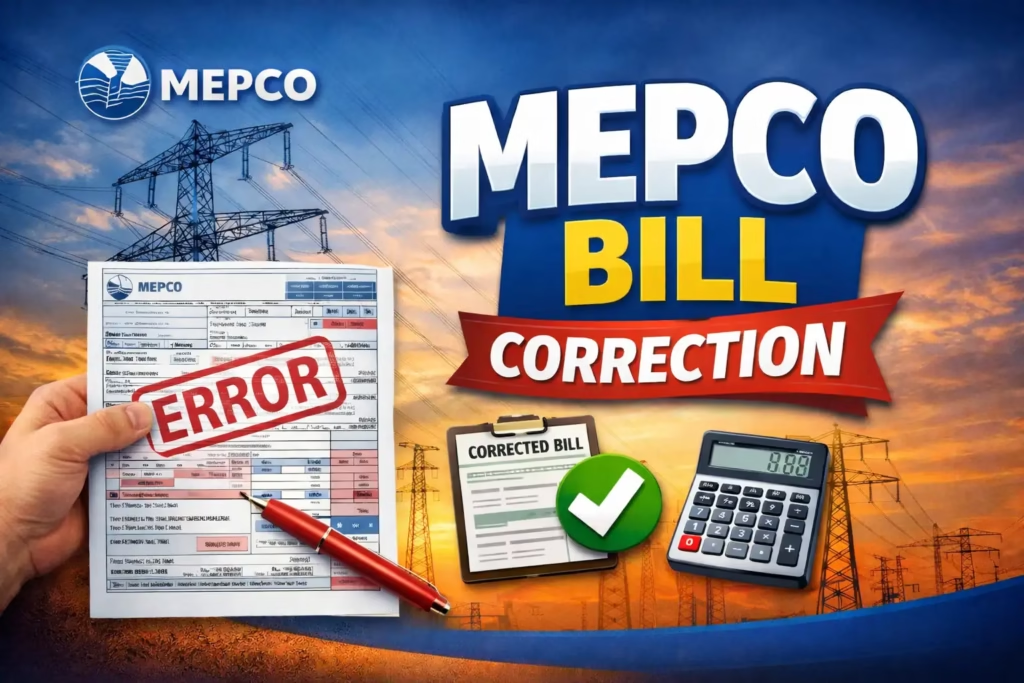
MEPCO BILL CORRECTION
MEPCO Bill Correction Process – Fix Wrong Meter Reading & Overbilling
If your MEPCO electricity bill appears higher than expected or the meter reading doesn’t match your actual reading, you can ask MEPCO to review the billing information. The cause may be a reading error, estimated consumption, a meter issue, tariff classification, or another billing adjustment.
This guide explains how to identify a possible billing problem, submit a complaint, keep supporting records, and follow up with MEPCO.
What Is MEPCO Bill Correction?
Bill correction is the process through which a consumer asks MEPCO to review and fix an incorrect electricity bill. This can involve correcting a wrong meter reading, removing estimated units, fixing a data entry error, or getting a faulty meter replaced with the bill adjusted accordingly.
Signs of a Possible Billing Error
Common Causes of Overbilling
Manual reading error. A meter reader can occasionally note the wrong digits, which can add a noticeable number of extra units to your bill.
Estimated billing. An estimated bill may be issued when an actual meter reading isn’t available, and the estimate can sometimes run higher than your real consumption.
Faulty meter. A meter can malfunction over time and record more units than actually used. If this is the case, correcting the bill may also require a meter replacement, covered in our MEPCO Meter Replacement guide.
Data entry mistake. A reading can be entered incorrectly into the billing system even when the original reading itself was correct.
Previous balance carried forward incorrectly. Check the “previous balance” and “arrears” fields on your bill carefully.
Wrong tariff category. If your connection is categorized incorrectly (domestic, commercial, agricultural), you could be billed at the wrong rate.
The Bill Correction Process
Step 1: Read your meter.
Note the exact reading with the date and time.
Step 2: Compare it with your bill.
Check the “present reading” and “previous reading” fields, and calculate the difference against what your meter actually shows.
Step 3: Gather your evidence.
Before visiting the office, collect a clear photograph of your meter’s current reading, your current bill, your CNIC, and your last 2 to 3 bills if available.
Step 4: Write a complaint application.
Keep it simple and factual, using the format below.
Step 5: Visit your subdivision office.
Go to the MEPCO subdivision responsible for your connection and submit your application and supporting documents. Make sure you get an acknowledgment receipt or complaint registration number so you can track it later.
Step 6: Verification.
MEPCO may arrange an on-site verification to check the meter reading, inspect the meter and review the billing information.
Step 7: Corrected bill.
If verification confirms an error, MEPCO issues a revised bill reflecting the correct units. If you’ve already paid the incorrect amount, the excess is generally adjusted in a future bill according to MEPCO’s applicable process.
Complaint Application Format
Subject: Request for MEPCO Bill Correction
Respected Sir/Madam,
I am writing to formally request a MEPCO bill correction for my electricity connection. My recent bill dated [date] shows [X] units of consumption, which does not match my actual meter reading of [Y]. I believe this is either a meter reading error or an estimated bill that does not reflect my real usage.
I have attached a photograph of my current meter reading along with copies of my previous bills for your reference. I kindly request that a verification officer be sent to my premises and that my bill be corrected accordingly.
Name: _______________
Reference Number: _______________
Address: _______________
Contact Number: _______________Yours sincerely,
[Your Name] [Date]
You can also contact MEPCO through the helpline to register an initial complaint.
If Your Complaint Is Rejected or Ignored
If the matter remains unresolved, you can also register a complaint through the NEPRA Complaint Management System.
Applying Online
Some complaint and bill-checking services may be available online, but the verification process for a billing dispute can require an on-site inspection or office follow-up. Check MEPCO’s current instructions for your case.
Avoiding Wrong Readings in the Future
Frequently Asked Questions
Q1: Is there a fee for bill correction?
In most cases, the basic complaint and verification process has no fee. If your meter needs testing or replacement, minor charges may apply depending on the circumstances.
Q2: What if I’ve already paid the wrong bill?
If a bill is corrected after payment, MEPCO generally adjusts the excess amount in a future bill rather than issuing a cash refund, following its applicable process.
Q3: What documents do I need?
Your original bill, your CNIC, a photograph of your meter, and ideally your last 2 to 3 bills as supporting evidence.
Q4: How many times can I apply?
If you believe your bill is incorrect, you can submit a complaint with supporting evidence. If the issue isn’t resolved, follow the applicable MEPCO complaint and escalation process.
You can also use our MEPCO Bill Calculator to estimate your monthly bill, or apply for a MEPCO New Connection if you’re setting up service at a new property.