
MEPCO Meter Replacement Process
MEPCO Meter Replacement: Process, Documents, Charges and Complaint Procedure
If your MEPCO electricity meter is damaged, not recording correctly, or showing a problem with its display, you can ask MEPCO to inspect it and determine whether replacement is required.
Signs Your Meter May Need Replacement
If your bill seems unusually high and doesn’t match your normal usage, ask MEPCO to check the meter.
Documents Required
The documents you need can depend on the reason for replacement and your connection type. MEPCO may ask for:
Keep copies of anything you submit, since additional documents may be requested once MEPCO reviews your connection.
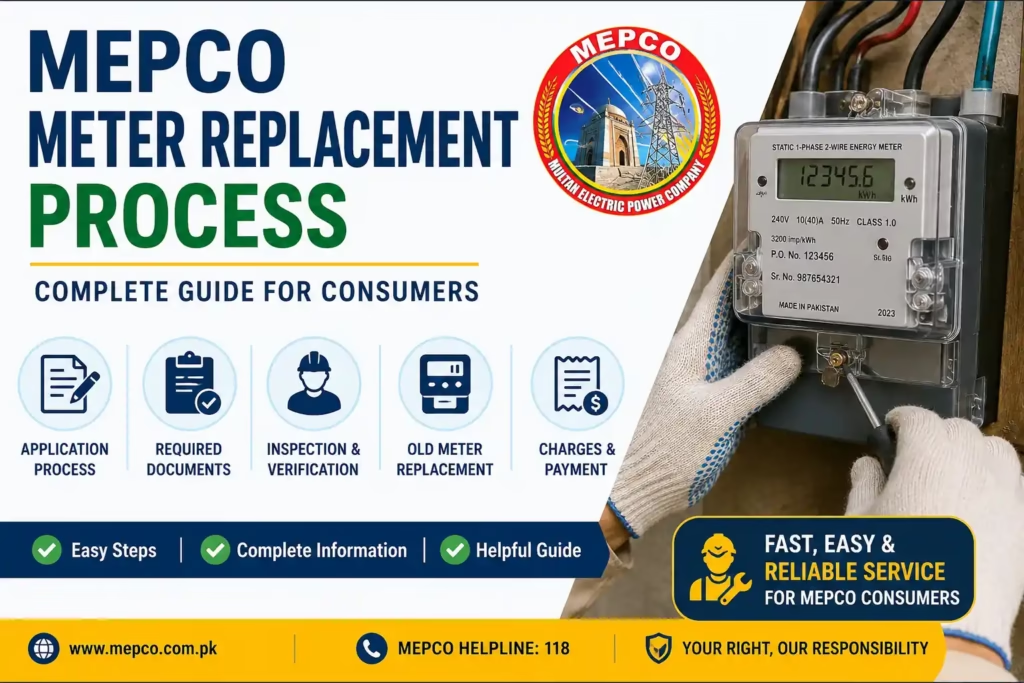
The Replacement Process
Step 1: Report the problem.
Contact the MEPCO office responsible for your connection and explain the issue. Keep your Reference Number and a short written description ready, including your name, address, contact details, and the date if you’re submitting a written application.
Step 2: Submit your information.
Provide the documents MEPCO requests, and keep a copy of your application or complaint record. If you’re unsure which subdivision handles your connection, check your bill or contact customer support first.
Step 3: Meter inspection.
MEPCO inspects the meter to confirm whether it’s defective and recording correctly. If a defect is confirmed, the replacement process moves forward under the applicable rules.
Step 4: Approval.
Once the inspection is complete, MEPCO processes the request and arranges the work to remove the defective meter and install a replacement.
Step 5: Charges.
The cost depends on the reason for replacement and applicable MEPCO rules. If MEPCO issues a Demand Notice or payment instruction, pay through the specified channel and keep the receipt with your records.
Step 6: Physical replacement.
MEPCO staff record the old meter’s reading and number before removing it, then install and seal the new meter and record its details against your connection. Keep any installation receipt provided.
Step 7: Check your bill.
After replacement, confirm your next bill reflects the correct meter information. Compare the meter number on the bill with the one on your new meter, and contact MEPCO if you spot a mismatch.
How Long Does It Take?
Timing depends on the specific problem, inspection, approval and meter availability. Under NEPRA’s Consumer Service Manual, a defective or burnt metering installation is required to be replaced immediately, or within two billing cycles if a replacement meter isn’t available. If your case is taking longer than that, keep your complaint or application record and follow up with your MEPCO office.
Checking Your Request’s Status
Keep the complaint number, receipt or reference given when you first reported the problem. For a follow-up, contact your MEPCO office and provide that reference.
If Your Issue Isn’t Resolved
Follow up with MEPCO using your complaint or application number, and escalate through the appropriate channel if it remains unresolved. For serious billing or meter disputes, you can also use the NEPRA Complaint Management System to register and track a complaint.
Keep copies of your application, bills, complaint number, photographs and payment receipts, these help if you need to follow up later.
A Few Tips
Frequently Asked Questions
Q1: How long does meter replacement take?
It varies depending on inspection, approval and meter availability. NEPRA’s Consumer Service Manual sets a two-billing-cycle limit for defective meters where a replacement isn’t immediately available.
Q2: Where do I submit a replacement request?
Start with the MEPCO office responsible for your connection. Ask whether an online complaint channel is available or whether you need to apply in person.
Q3: What happens to my bill during the replacement?
Ask MEPCO how billing will be handled while your meter issue is being resolved, since this follows applicable MEPCO and CSM requirements.
Q4: Is meter replacement free?
It depends on the reason for replacement. Ask MEPCO about applicable charges before making any payment.
Q5: What if the new meter seems to be recording incorrectly?
Contact MEPCO and request an inspection or meter test, keeping your recent bills and replacement record on hand.
Official Sources
This guide references NEPRA’s Consumer Service Manual amendment on defective meter replacement and general MEPCO consumer information. Requirements and procedures can change, so confirm current instructions with MEPCO before applying or making a payment.
Related MEPCO Services